Extensive Live Channel Selection
Access a broad collection of international live channels covering entertainment, sports, news, documentaries, children's content, music, and more.
Premium Streaming Subscription
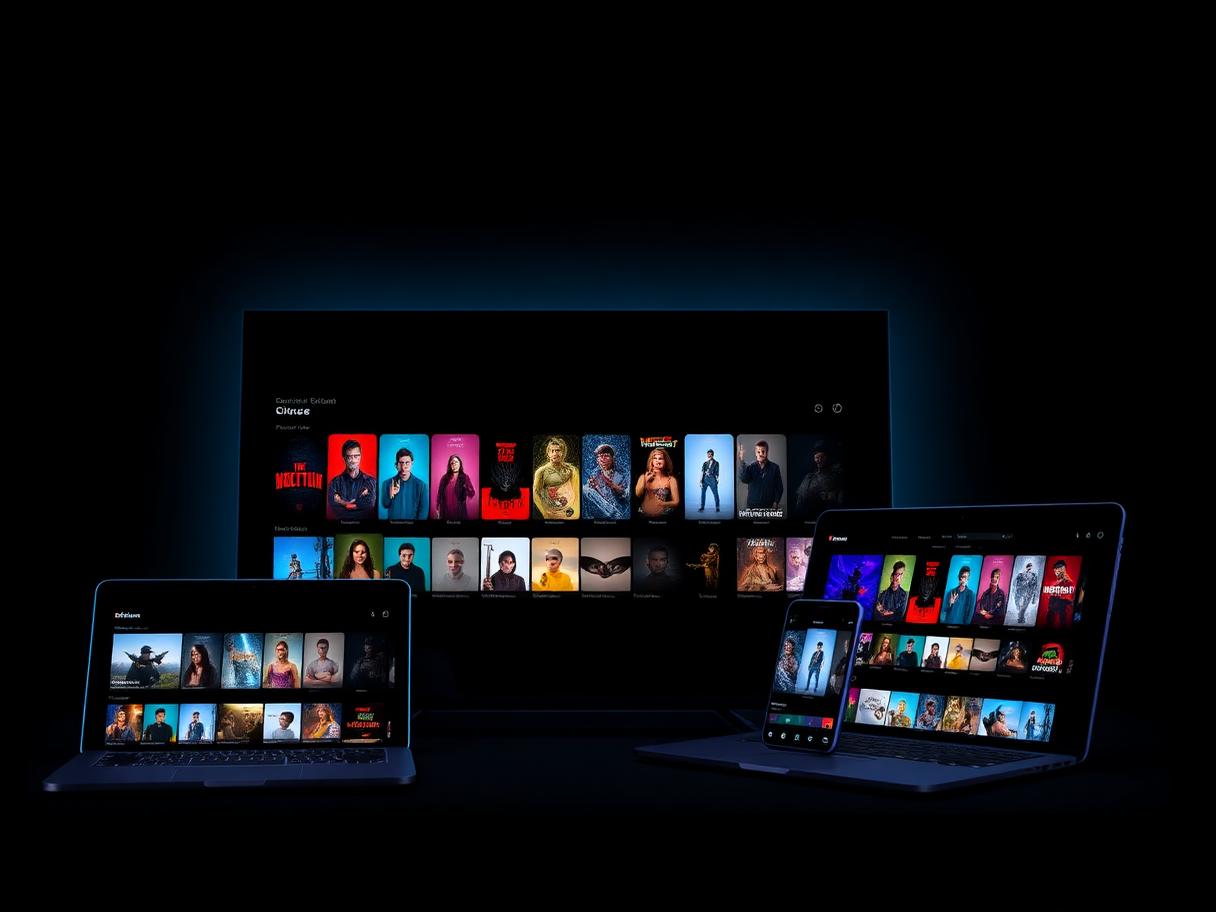
Enjoy a powerful entertainment experience with thousands of live channels, movies, series, sports, and international content. Eagle IPTV delivers fast activation, reliable performance, and smooth streaming on your favorite devices.
0+
Live TV Channels
0+
Movies and Series
0.0%
Server Availability
0/7
Customer Support
Content availability, quality, and channel selection may vary by region, package, provider, device, and server availability.
Why Eagle IPTV
Discover a premium streaming solution built for users who value variety, quality, compatibility, and reliable performance.
Access a broad collection of international live channels covering entertainment, sports, news, documentaries, children's content, music, and more.
Explore an extensive on-demand catalog featuring popular movies, television series, classic titles, and regularly updated entertainment.
Enjoy supported content in high-definition formats, including Full HD, 4K Ultra HD, and 8K on compatible devices and internet connections.
Our infrastructure is designed to deliver stable playback, fast channel loading, and smooth performance across supported regions.
Receive your subscription details shortly after your order and payment confirmation.
Use Eagle IPTV across many countries with compatible applications, devices, and internet providers.
Choose a subscription for one, two, three, or four devices based on your household and viewing needs.
Get assistance with installation, application setup, account activation, and general troubleshooting.
Pricing
Select the number of devices you need, then choose your preferred subscription duration.
$16.99/ 1 month
$29.99/ 3 months
$39.99/ 6 months
$59.99/ 12 months
One subscription connection should only be used according to the selected device limit. Simultaneous usage rules depend on the purchased plan.
Compatibility
Eagle IPTV works with a wide range of smart televisions, mobile devices, streaming boxes, computers, and supported media players.
Samsung, LG, Sony, Android TV, and Google TV.
Fire TV Stick, Fire TV Stick 4K, and Fire TV Cube.
Nvidia Shield, Xiaomi Mi Box, Android boxes, and Google TV devices.
Compatible applications for supported iOS devices.
Watch using supported Android applications.
Use compatible desktop players on laptops and computers.
Support for compatible MAG boxes.
Compatible with supported Formuler and MyTVOnline applications.
Use compatible IPTV media players available for Apple TV.
Compatible applications
Content
Discover a wide range of categories designed for different interests, languages, and regions.
The exact content library may change over time. Availability depends on the selected package, region, source provider, and technical availability.

On-Demand
Enjoy access to a broad on-demand collection with popular films, television series, family entertainment, documentaries, and regularly refreshed titles.
Getting Started
From choosing a plan to streaming your first channel, the whole process takes only a few minutes.
Select your preferred duration and the number of devices you want to use.
Send us your selected plan through WhatsApp and receive payment information.
After confirmation, receive your subscription credentials and setup instructions.
Open a compatible application, enter your subscription details, and begin streaming.
Installation
Follow our step-by-step guides to install Eagle IPTV on your device in minutes.
Install a compatible IPTV player on your Fire TV Stick and activate your Eagle IPTV subscription in minutes.
About 10 minutes
Read Setup GuideConfigure the TiviMate player on Android TV or Firestick with your Eagle IPTV playlist for a premium viewing layout.
About 10 minutes
Read Setup GuideUse a compatible Smart TV application to stream Eagle IPTV directly on your Samsung television without extra hardware.
About 10 minutes
Read Setup GuideSet up Eagle IPTV on LG webOS televisions using a supported IPTV application from the LG Content Store.
About 10 minutes
Read Setup GuideInstall a player from Google Play and connect your Eagle IPTV subscription on Android TV, Google TV, and Android boxes.
About 8 minutes
Read Setup GuideStream Eagle IPTV on iOS and iPadOS using compatible player applications from the App Store.
About 5 minutes
Read Setup GuideWatch Eagle IPTV on laptops and desktop computers with compatible desktop players such as VLC or dedicated IPTV apps.
About 5 minutes
Read Setup GuideConnect your Eagle IPTV subscription to Formuler devices using the built-in MyTVOnline application.
About 8 minutes
Read Setup GuideCoverage
Eagle IPTV supports customers in many regions through compatible devices, applications, and internet connections.
Performance may vary depending on internet speed, location, device, application, and internet service provider.
Feedback
A selection of anonymous feedback examples. Sample website content — to be replaced with verified customer reviews.
"The setup process was straightforward, and the picture quality worked well on my television."
"I received helpful installation instructions and was able to start using the service quickly."
"The device options made it easy to choose a plan for our household."
"The interface is clear, and the service works smoothly with my preferred application."
"The support team helped me configure the application on my streaming device."
"I liked the variety of international entertainment and the simple activation process."
FAQ
Everything you need to know before getting started.
Blog
Explore our latest installation guides, device tutorials, troubleshooting advice, and helpful streaming tips.
Guides
A complete 2026 overview of Eagle IPTV: what the service includes, how plans work, which devices it supports, and who it suits best.
Reviews
An honest look at Eagle IPTV in 2026 — what it does well, where its limits are, what it costs, and whether it fits your household.
Setup Guides
One guide, three platforms: install Eagle IPTV on Firestick, Samsung or LG Smart TV, and Android devices in under fifteen minutes.
Choose your Eagle IPTV plan and contact our team today for subscription details, device compatibility, and setup assistance.
Contact
Need help selecting a plan, checking device compatibility, or setting up your application? Contact our team directly through WhatsApp.
WhatsApp: +212 680 904 841
Available for plan questions, device checks, and setup assistance.
Chat on WhatsApp